Stop opening 12 tabs every morning.
See everything you check daily in one place.
A desktop app that combines Analytics, Search Console, Stripe, and other daily tools into a single personal dashboard.
This is what losing focus looks like.
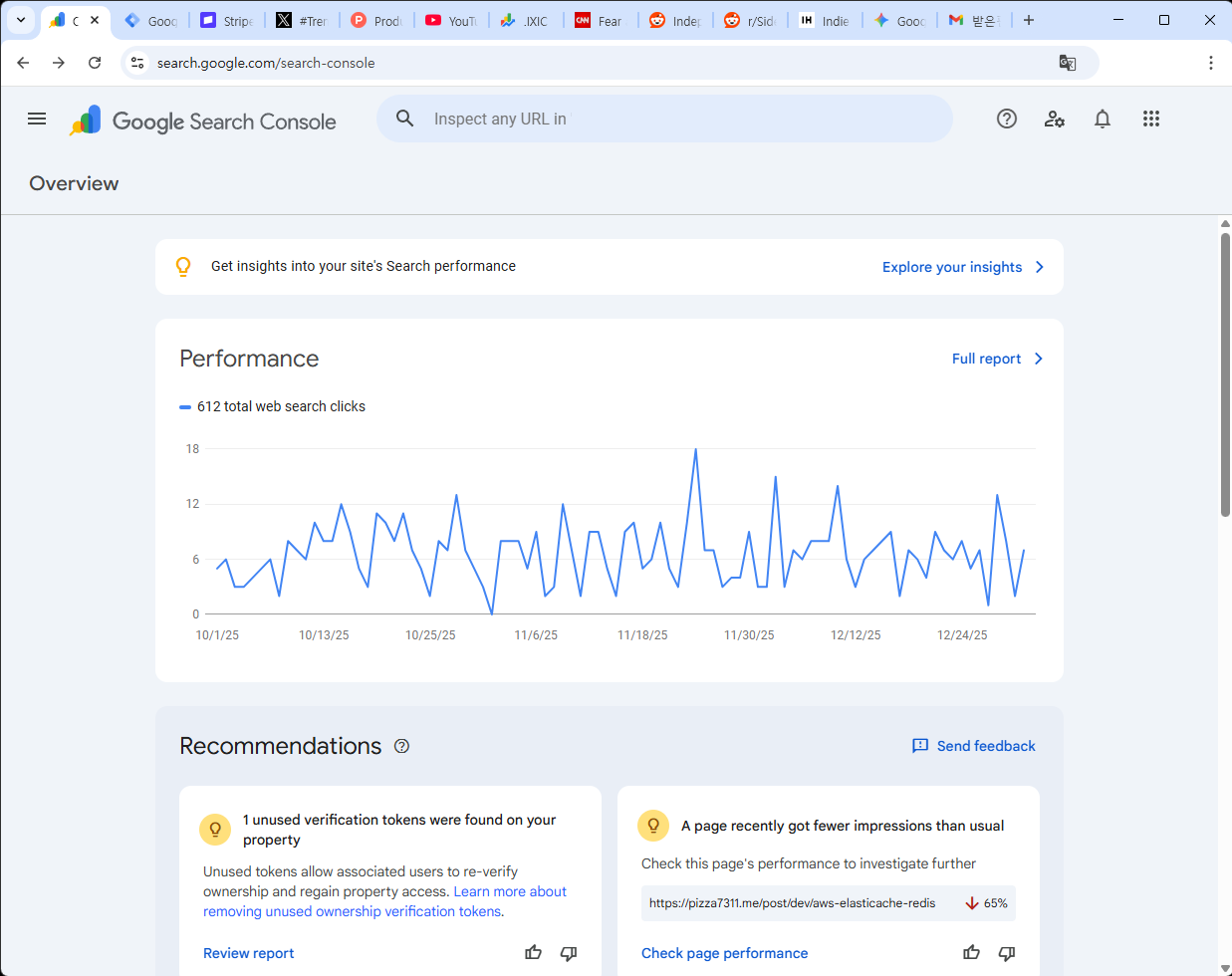
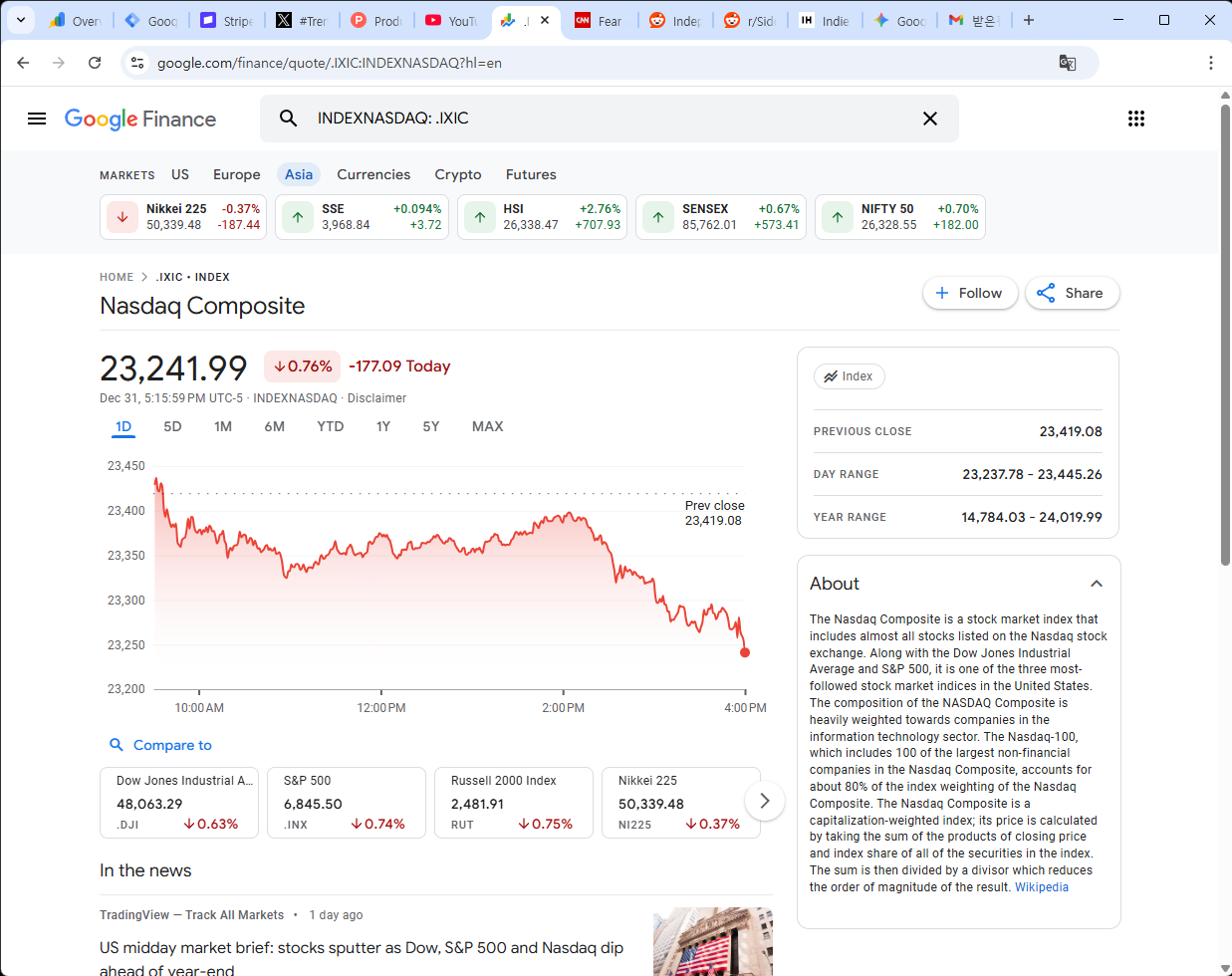
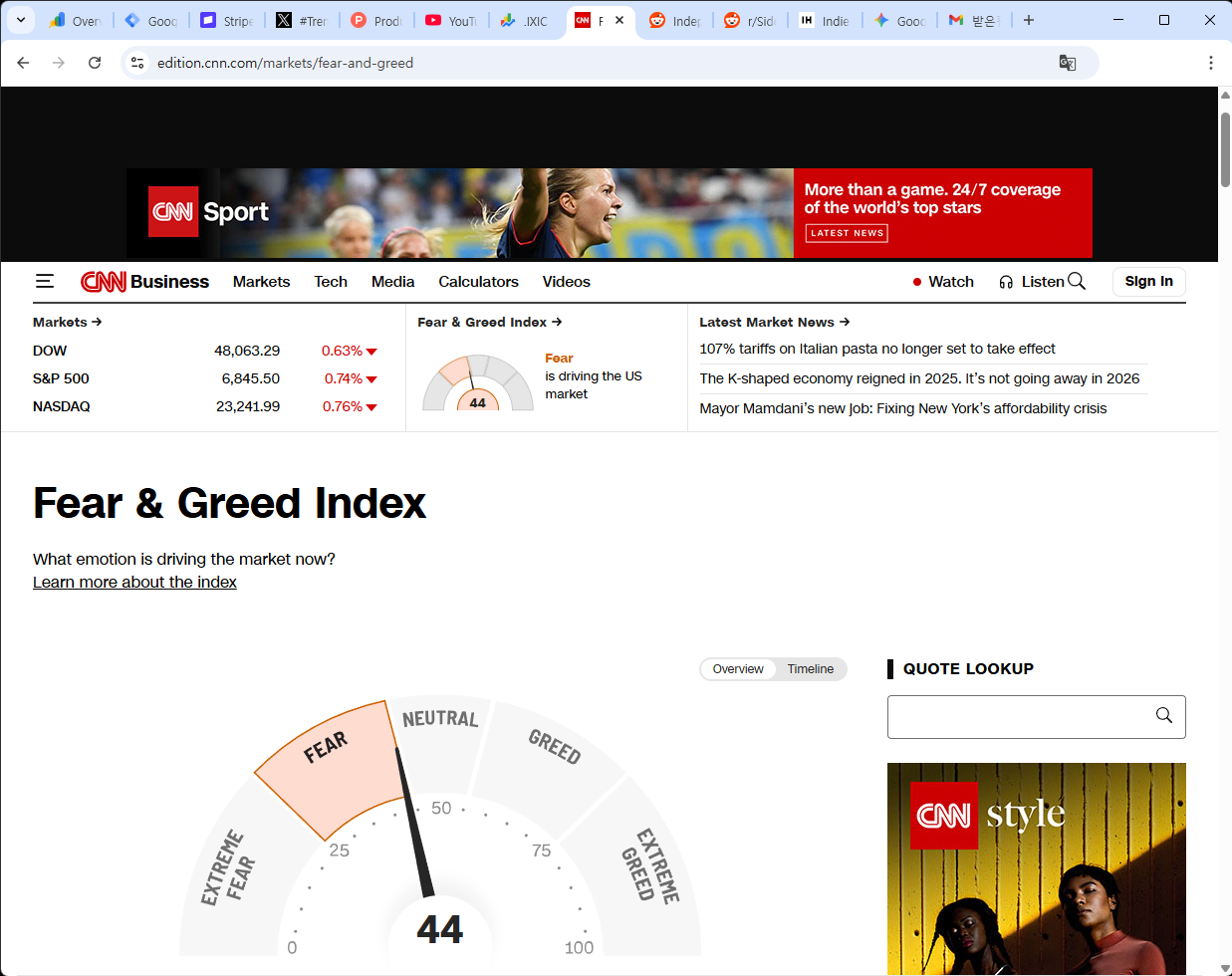
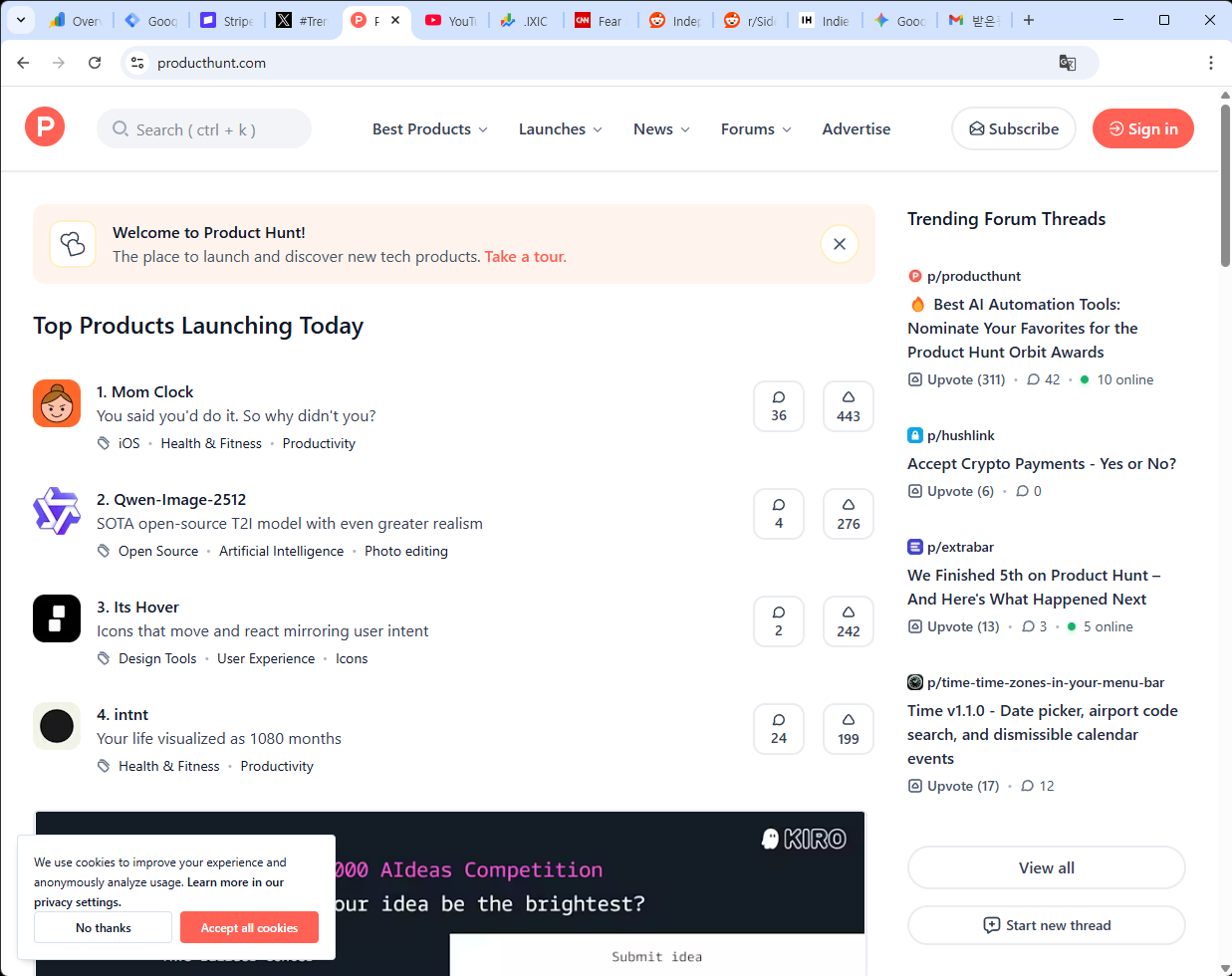
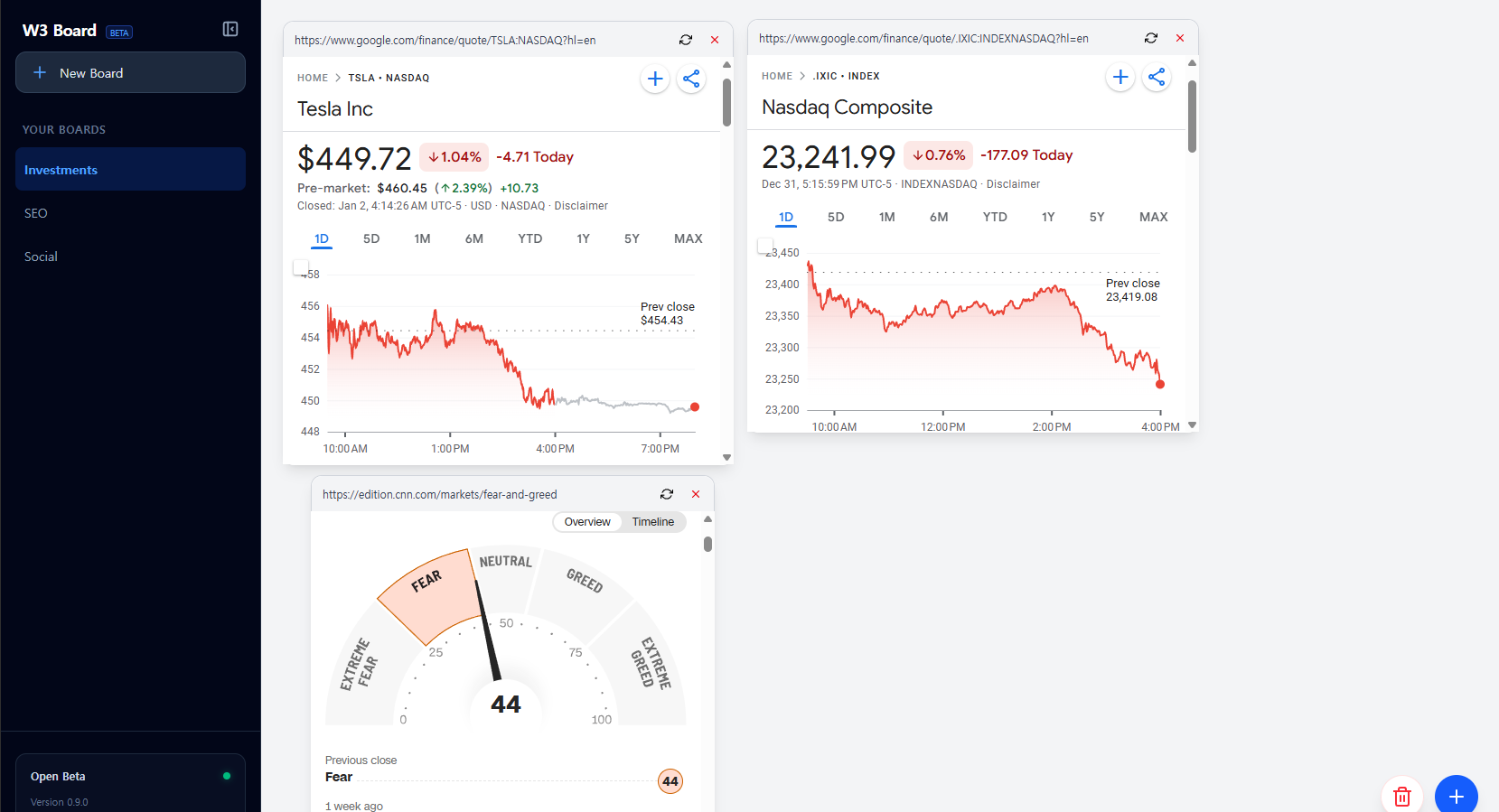
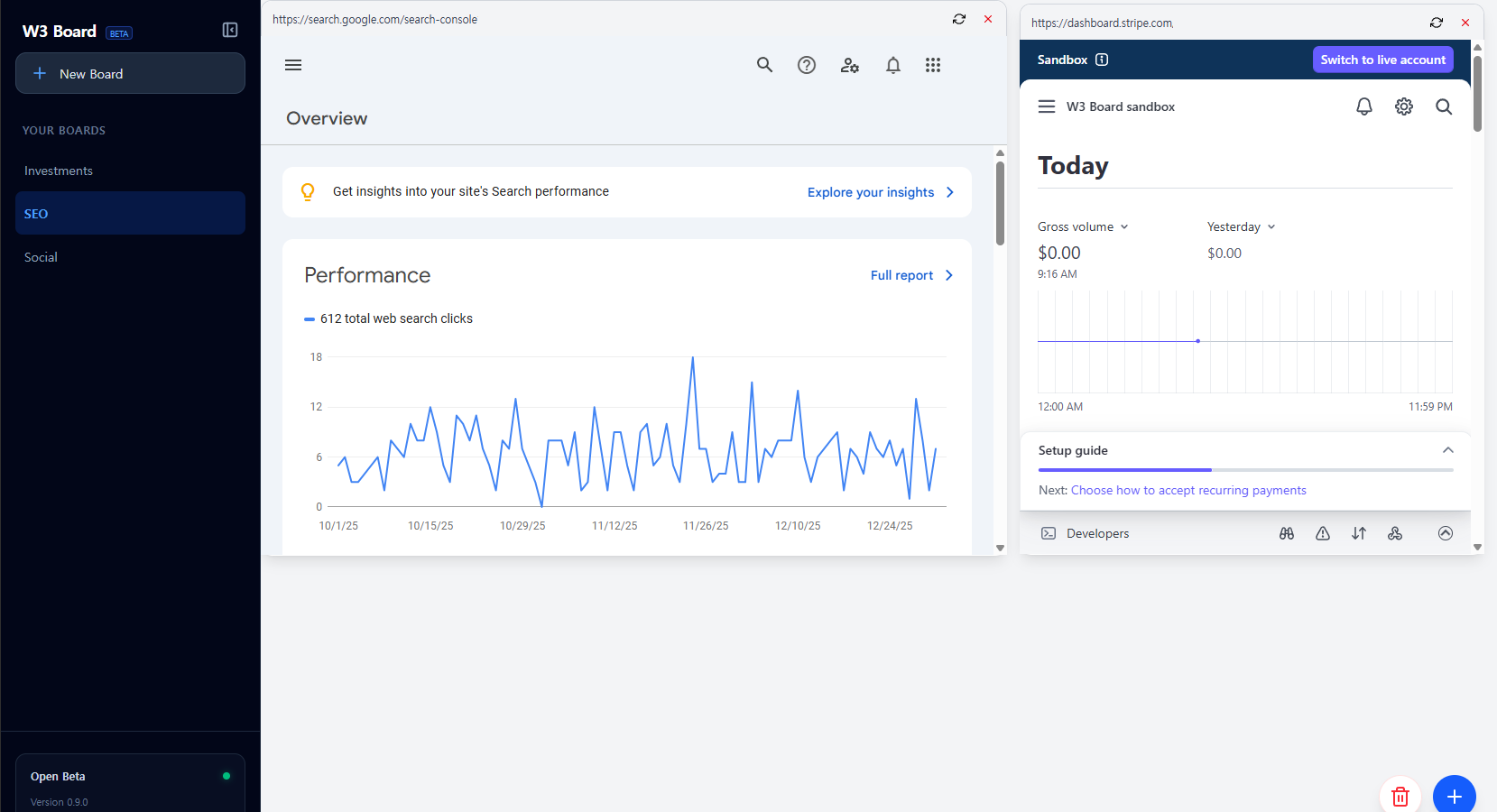
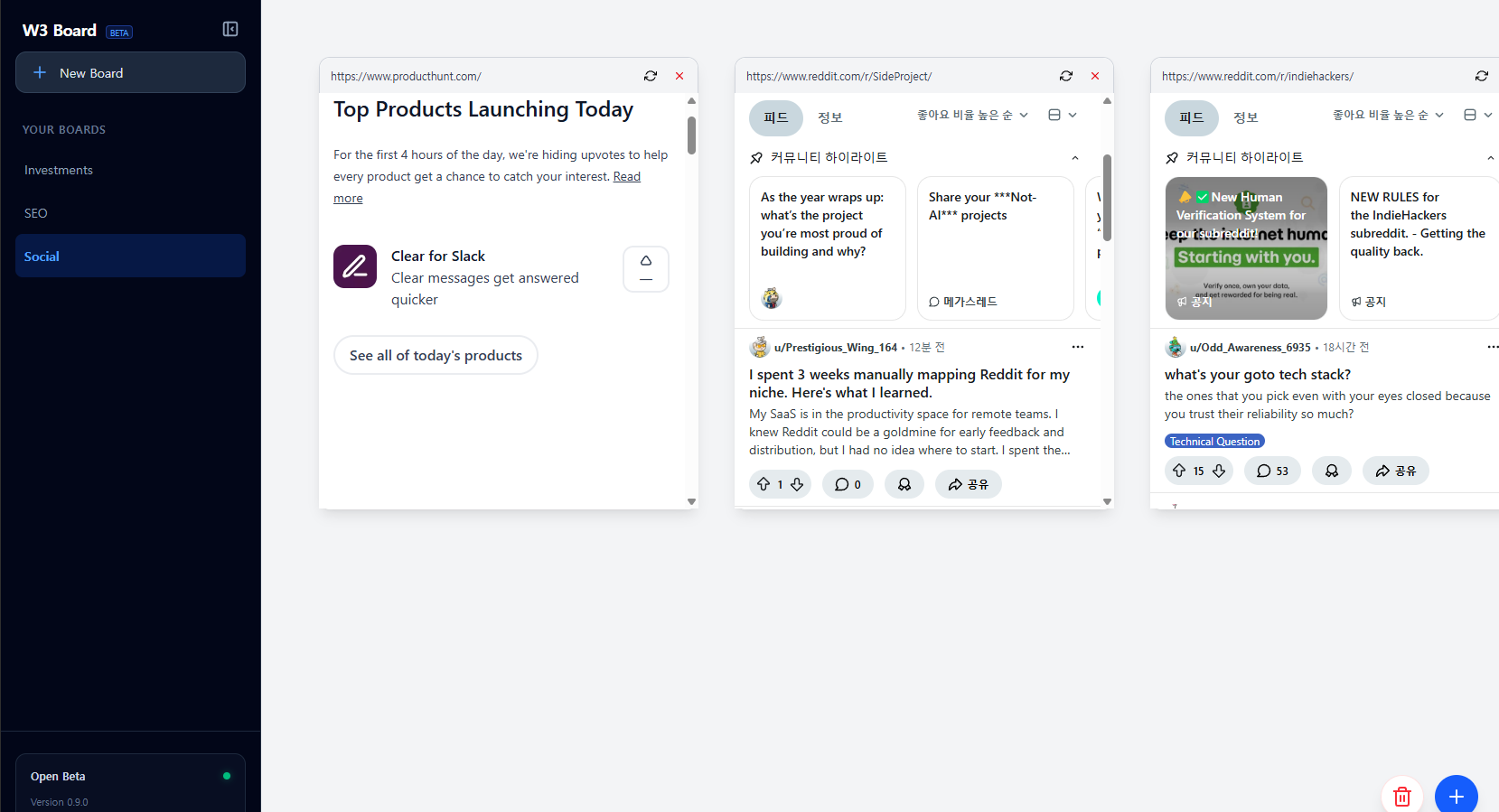
open in one place. without switching tabs.
Your Web, Reimagined as Widgets.
Stop jumping between multiple websites and browser tabs. Save time, reduce distraction, and focus on what matters.
Unified Workspace
Bring your scattered web pages into one focused view. Create a dashboard that works the way you do.
Fully Functional Widgets
Scroll, click, and type. These aren't screenshots. Your clips are alive and fully interactive widgets, not static images.
100% Private
All processing happens on your device. We collect zero data. Your privacy is guaranteed.
How It Works
Create your custom dashboard in 3 transparent steps.
1Set URL & Selector
Paste the website URL and input theElement Selectorof the element you want to track.
2Isolate Content
W3 Board loads the page in the background and renders only your selected area.
Sidebars, footers, and irrelevant clutter stay hidden.
3Live Dashboard
Your clip appears on your board. It remains fully interactive. Click, scroll, and refresh just like the real web.
Power Tools for Your Workflow
Built for users who demand control, privacy, and efficiency.
Element Precision
Target elements with surgical precision using Element selectors. Don't settle for "roughly cropped" screenshots.
Live Interaction
It’s not just a view. Click buttons, fill forms, and scroll. Your widgets are fully functional browser instances.
Freeform Workspace
Just drag, drop, and resize. Organize your web widgets exactly how you want, just like windows on your desktop.
Local-First Privacy
Zero data collection. All processing happens on your machine. Your dashboard configuration never leaves your computer.
Current Build Status
Under Construction
W3 Board is in active prototyping. We are refining the core engine daily. You might encounter rough edges, but patches are pushed frequently.
Shape the Roadmap
You are an early adopter. Your feedback directly influences what we build next. Found a bug? Have a cool idea?
Send Feedback →Frequently Asked Questions
Why I Built W3 Board
I constantly monitor stocks, indices, and news. But keeping 50 tabs open just to check a few numbers felt inefficient.
Then it hit me: "I don't need the whole website. I just need the data."
That's why I built W3 Board. To extract the signal from the noise. To turn the chaotic web into a focused, personal dashboard.
Build Your Own Internet HUD.
Stop switching tabs. Start focusing.
Download the alpha version today.
free to use, no account required.
System Requirements: Windows 10/11 (macOS coming soon)